Warnings on your phone: setting up cell broadcast and warning apps
Many countries warn the population via cell broadcast: a message goes to every phone in a cell area, without registration and without an app. Official warning apps complement this. Knowing the settings, taking test alerts seriously and using other channels (radio, sirens) means learning about hazards earlier.
- Ten minutes to check settings
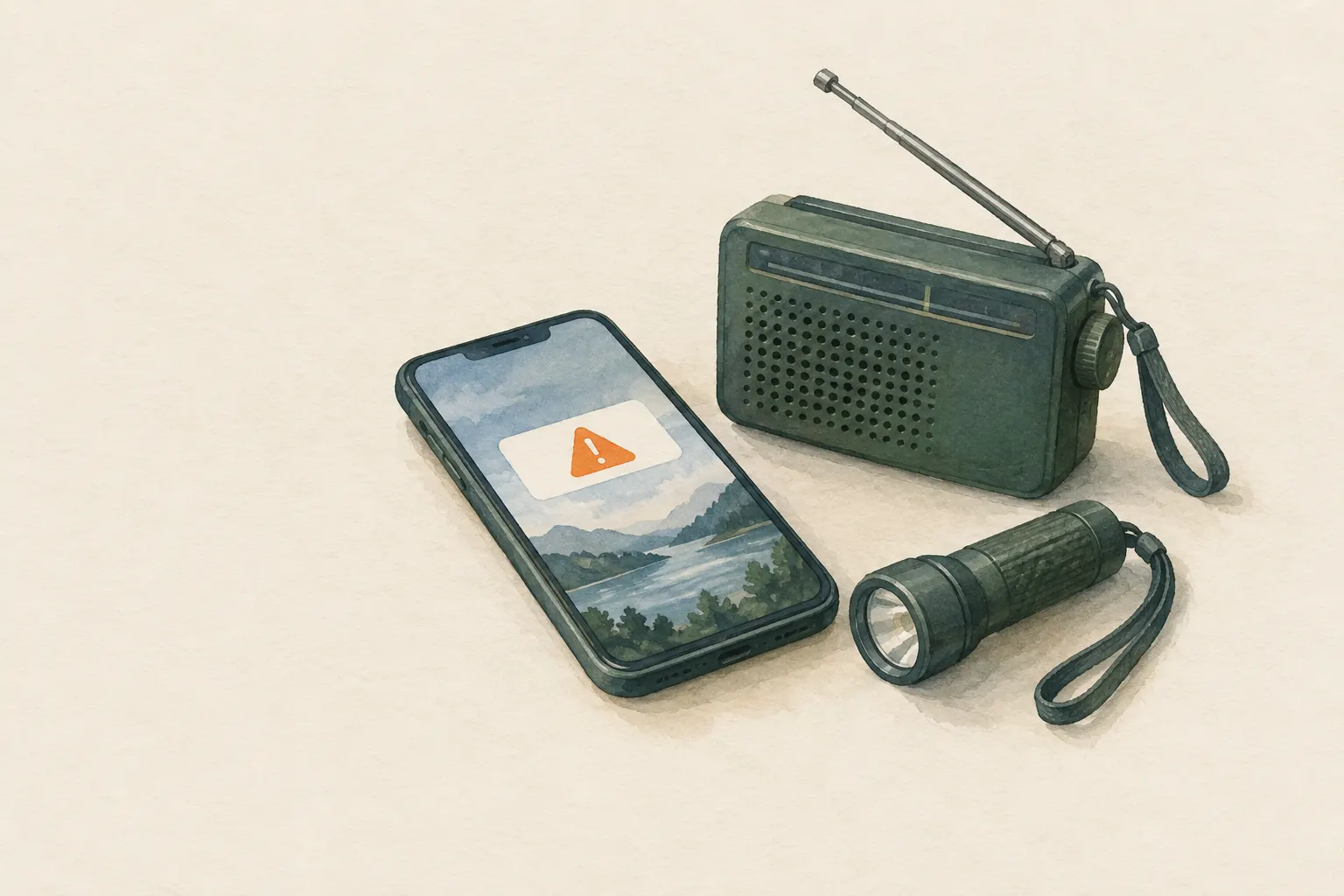
Explained simply
Imagine the fire service could knock on every door in a whole neighbourhood at the same moment. Cell broadcast works a bit like that: the authorities send a warning to every phone that is switched on in a certain area. You do not need to sign up for anything, and you do not need an app.
The warning arrives with a very loud, unusual sound so that you cannot miss it. The message says what has happened and what you should do now – for example close your windows or leave an area.
The most important thing: when a real warning comes, do what it says straight away. And because a phone can run flat or lose its signal, it is good to know other ways too, such as a battery radio and the sirens in your town.
How it works
A phone is always connected to a cell, meaning the area served by a particular mobile mast. With cell broadcast, the network operator sends a message on behalf of the authorities to selected cells all at once. Every compatible device there receives it, whoever owns it and whatever country its SIM card comes from. It is more like a radio station than a text message.
The advantage: a text message has to be sent to each number separately. When everyone is calling at the same time, such individual messages get stuck in a queue. Cell broadcast needs no individual connections, so it usually still gets through when the network is heavily loaded. The authorities also do not need to know anyone's phone number.
Warning apps work differently: they fetch their messages over the internet. In return they can do more, for example warn you about saved places. That way you hear about a storm heading for your parents' town even though you are somewhere else. The two routes complement each other.
What really matters
Take a calm look at your phone's settings once. Depending on the device the section is called something like ‘emergency alerts’ or ‘wireless emergency alerts’. There you can see which warning levels are switched on. Depending on the country, some levels cannot be switched off at all, others can. Do not switch anything off lightly just because a sound annoyed you once.
Keep your phone's software up to date, because warning features are improved through updates. Check elderly relatives' devices too: very old or very basic phones may not support cell broadcast. A battery radio is then a good addition.
A warning is not a news article to read later. It contains instructions. Read it to the end and act on it, without first waiting for a second confirmation on social media.
Safety: what to watch out for
Phone warnings depend on two things: the mobile network and the battery. If the power is out for a long time, mobile masts can eventually fail too. That is why authorities recommend a mix of warning channels: phone, warning app, radio, sirens, loudspeaker announcements. Any single channel can fail; together they are reliable.
Find out what the siren signals in your area mean, and keep a battery-powered or wind-up radio ready. During major incidents the radio often broadcasts more detailed information than fits into a short phone message.
When you receive a warning, also tell people near you who may not have a phone, may hear poorly or may not understand the language – neighbours or children, for example.
Typical situations
Many countries hold regular test alerts; Germany, for example, has a nationwide warning day. Use such days as a free test: did the message reach you? Your children, parents, grandparents? If not, check the settings together.
When travelling, cell broadcast usually reaches your phone too, but often in the local language. Find out in advance which warning systems your destination uses and whether there is an official warning app. Note the local emergency number; in the EU it is 112.
Real warnings cover things like severe weather, floods, wildfires, hazardous substances in the air or major power cuts. Typical instructions are: go indoors, close windows and doors, switch off ventilation, avoid or leave an area, turn on the radio.
Good to know
In the EU, public warning systems via the mobile network are required; many countries implement them as cell broadcast. In the USA the phone warnings are called ‘Wireless Emergency Alerts’ and run through a system of the federal emergency agency FEMA. The names in the settings therefore differ from country to country.
A common misconception is that cell broadcast needs location services or mobile data switched on. That is not necessary, because the message simply goes to the cell. Warning apps, on the other hand, need internet and, if you want warnings for your current location, usually location permission too.
The loud alert tone may be startling. It is designed that way on purpose – partly so that people wake up at night.
Step by step
Check settings
Find the emergency alerts or wireless emergency alerts section in the phone settings and check which levels are active.
- 1
Check settings
Find the emergency alerts or wireless emergency alerts section in the phone settings and check which levels are active.
- 2
Add an official warning app
Install the warning app recommended by your country's authorities and save important places (home, work, parents' home).
- 3
Use test days
During national test alerts, check whether the message arrived, and ask family members.
- 4
Other channels
Have a battery radio and know the meaning of local siren signals – phone warnings may fail during power or network outages.
- 5
When travelling
Find out which warning systems your destination uses; cell broadcast messages often arrive in the local language.
Common mistakes
- All alerts switched off because a test alert was annoying
- Relying only on social media
- No plan B for network failure
- Reading the warning but not acting
Quick view
Materials
Mobile phone
The battery drains quickly in cold and with continuous screen and GPS use.
Do not plan on it as your only means of navigation or emergency calls.
Battery or crank radio
Store spare batteries and check them regularly.
Suitable for
- Severe weather, floods, fires, hazardous materials
- Travel to unfamiliar regions
- Households, families
Not suitable for
- As the only warning source
- Areas without mobile coverage
Prerequisites
- Phone with current software
- Knowing which warning systems your country or destination uses
Safety
- Do not switch off warning levels in the settings lightly. Depending on the country some levels cannot be disabled, others can.
How it works
Cell broadcast uses the mobile network like a broadcaster: a message is sent to every device in selected cells, including travellers with foreign SIM cards. As no individual connections are needed, it works better than SMS on heavily loaded networks. Warning apps instead use the internet and can warn by current location or for saved places.
Advantages
- No registration or app
- Reaches everyone in the danger area
- Works even under heavy network load
Disadvantages
- Depends on the mobile network and battery
- Not implemented the same way in all countries
- Language barriers when travelling
Deep knowledge
Background
In the USA, phone alerts are distributed as Wireless Emergency Alerts via FEMA's IPAWS system; in the EU, public warning systems via mobile networks are required and are often implemented as cell broadcast. Germany has used cell broadcast for several years, complemented by warning apps and sirens.
Authorities recommend a mix of several channels, because any single one can fail.
Variants
- Older or basic phones
- Very old devices may not support cell broadcast. Check for elderly relatives and provide a radio if needed.
Common mistakes
- All alerts switched off because a test alert was annoying
- Relying only on social media
- No plan B for network failure
- Reading the warning but not acting
Limits and risks
- No app names
- Settings differ by device and country
Material alternatives
Derived from material properties: a substitute must have all relevant properties. Observe the notes on the substitute.
- Mobile phone
- Headlamp / flashlight, Battery lantern / LED light
Results come exclusively from structured entries. No improvised instructions are generated.
Sources
U.S. Federal Emergency Management Agency (FEMA): Wireless Emergency Alerts (Integrated Public Alert & Warning System, IPAWS)
Phone warnings via Wireless Emergency Alerts
Bundesamt für Bevölkerungsschutz und Katastrophenhilfe (BBK), Deutschland: Ratgeber für Notfallvorsorge und richtiges Handeln in Notsituationen
Warning channels and how to respond to warnings