Backing up documents digitally – encrypted
Paper copies can burn or get wet. An encrypted digital copy of important documents, stored in at least two places, makes a fresh start possible after a total loss. What matters is strong encryption, a safely kept password and regular tests.
- 2–3 hours the first time; yearly update
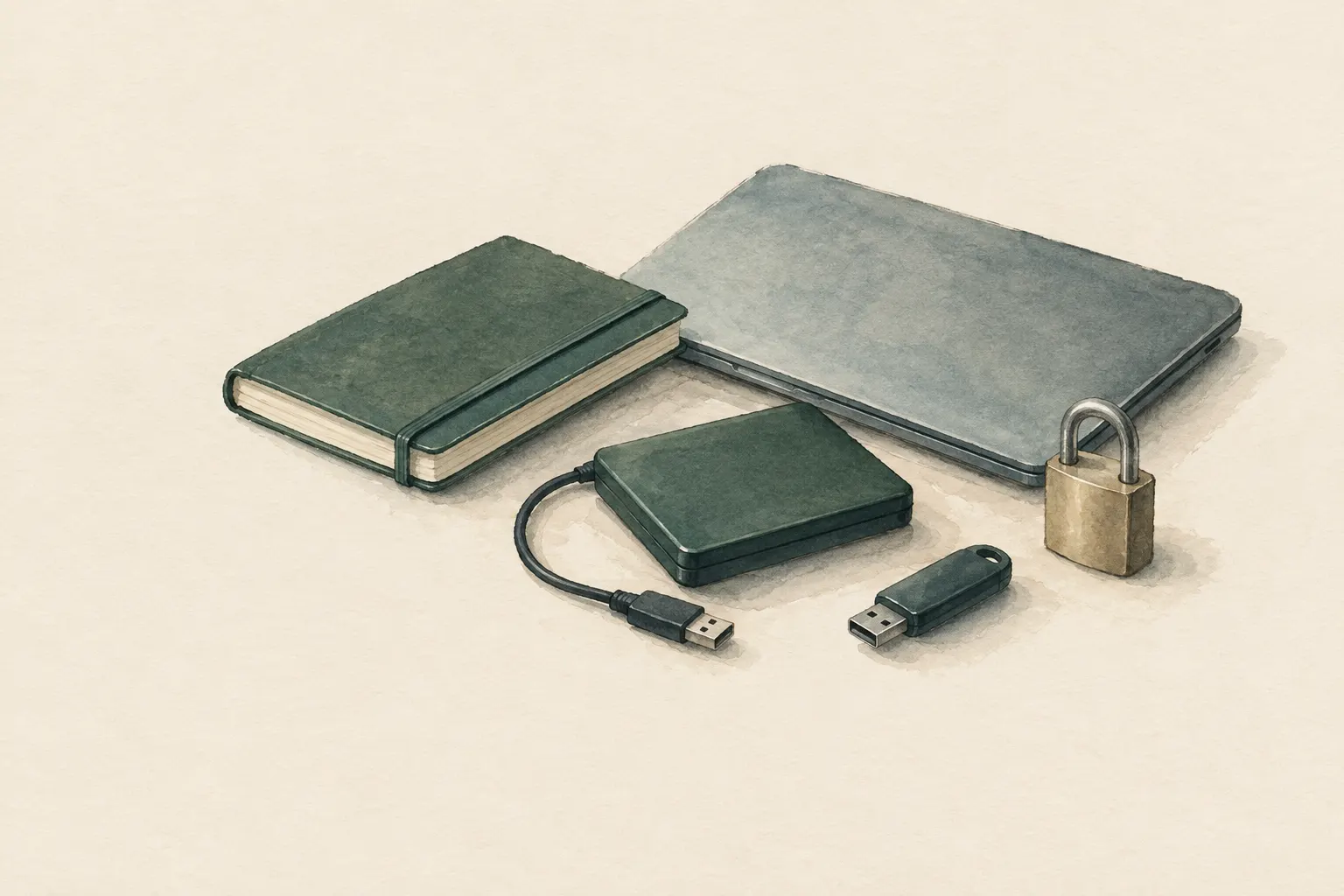
Explained simply
Paper can burn or get wet. That is why you can also scan or photograph important documents and save them as files. You keep these files in at least two different places – like a spare key you leave with a neighbour.
Because these files contain very personal things, they are encrypted. That means the data is turned into a kind of secret code that can only be read again with the right password. If someone finds the storage device, they cannot do anything with it.
The most important thing: without the password, nobody in the family can get to the files either. So the password is kept safely – but never together with the storage device.
How it works
A good backup follows simple rules: several copies, on different media, at least one of them in another place. Among professionals this is often known as the “3-2-1” rule of thumb – three copies, two different types of storage, one off-site. For a family that means in practice: a paper folder at home, an encrypted digital copy in the go bag and another encrypted copy with relatives or in online storage.
Encryption uses a key – here your passphrase – to turn files into what looks like random data. Only someone who knows the passphrase can turn it back. Good, recognised methods are considered practically unbreakable when the passphrase is strong. That has a flip side: if you forget the passphrase, you cannot get to the data yourself either.
What really matters
First choose what to back up: ID documents, birth and marriage certificates, insurance policies, tenancy or ownership papers, bank and pension documents, vaccination records, medication plans, photos of household contents and a list of important contacts. Scan or photograph legibly and name the files consistently, for example “person_document_year”. Anyone who has to search in an emergency will be glad of clear folders.
Then encrypt the collection with a recognised method, such as an encrypted archive or an encrypted storage device. A strong passphrase is long and unique – for example several random words in a row that you use nowhere else. It is easier to remember than a short password full of special characters and still very hard to guess.
Keep the passphrase so that at least one other trusted person has access in an emergency, but separate from the storage device – for example sealed in an envelope with a trusted person. A one-page paper index in the document folder also helps: which documents are backed up where, and who has access? The passphrase itself is not written there.
Safety: what to watch out for
Unencrypted copies of ID, bank details and health data are a real risk of identity misuse if lost or stolen. A USB stick on your key ring or scans in your email inbox without encryption are therefore not a good idea. In online storage, too, keep the files only in encrypted form.
Fraud attempts increase after disasters. Fraudsters pose as a bank, insurer or aid organisation by phone or message. Never give out login details or passphrases via unsolicited calls, messages or links. If in doubt, call back yourself on a number you know for certain.
How to check the backup
A backup that has never been tested is only a hope. Storage devices can fail, file formats go out of date, and passphrases are forgotten more easily than you think. So once a year, open the backup on a different device, enter the passphrase and check that all files can be read.
At the same time, add new documents, such as a new ID or contract, and securely delete outdated copies. If you are unsure about the technology, get help from a trusted person. What matters is that in the end at least two people know how to get to the data.
Good to know
The digital copy supplements the paper folder; it does not replace it. Paper works without power or a device, while the digital copy, kept elsewhere, survives fire and water. Whether digital copies are accepted by authorities or insurers is up to each country; originals are often still required. But the copy speeds up the path to new documents considerably.
Specific programs or providers are deliberately not recommended here. Three things matter, whatever you use: recognised encryption, several storage locations and regular tests.
Step by step
Select documents
ID documents, birth and marriage certificates, insurance policies, property or rental contract, bank and pension documents, vaccination records, medication plans, photos of household contents, important contacts.
- 1
Select documents
ID documents, birth and marriage certificates, insurance policies, property or rental contract, bank and pension documents, vaccination records, medication plans, photos of household contents, important contacts.
- 2
Scan and name
Scan or photograph legibly, name consistently (e.g. person_document_year) and sort into folders.
- 3
Encrypt
Protect the collection with a recognised encryption method – such as an encrypted archive or an encrypted storage device – and a long, unique passphrase.
- 4
Store in at least two places
One copy at home in the go bag, one in another place – with relatives outside the region or with an online storage service of your choice, and then also only encrypted.
- 5
Secure the password
Keep the passphrase so that at least one other trusted person has access in an emergency, but not together with the storage device.
- 6
Test the restore
Once a year open the backup on another device, check the files, add new ones, securely delete outdated copies.
Common mistakes
- Unencrypted copies on a stick on the key ring
- Password written on the storage device
- Only one copy in the same house
- Backup never tested
- Files named so that nobody can find them again
Quick view
Materials
Encrypted storage device
Without the password the data is lost to you too – keep the password safe and separate.
Storage media age; test and renew the backup regularly.
Document folder (waterproof)
Paper copies remain the first layer
Store securely – contains sensitive personal data.
Suitable for
- All households as a supplement to the paper folder
- Regions with flood, fire or storm risk
- Travel and evacuations
Not suitable for
- Unencrypted storage of ID and bank details on sticks or in an email inbox
- A substitute for original documents where these are legally required
Prerequisites
- A list of important documents
- Basic knowledge of handling files and encryption, or help from a trusted person
Safety
- Unencrypted copies of ID, bank details and health data are a risk of identity misuse if lost or stolen. Always encrypt.
- Without the password the backup is worthless. Keep the password separate from the storage device, e.g. sealed with a trusted person.
- Fraud attempts increase after disasters. Never give out login details via unsolicited calls, messages or links.
How it works
A good backup follows simple rules: several copies, on different media, at least one of them in another place. Encryption ensures that a lost storage device gives nobody access. Because backups silently become outdated or unreadable, a regular restore test is part of it.
Advantages
- Survives fire, water and loss of the home
- Easy to take along
- Quick access for insurers and authorities
Disadvantages
- Requires basic technical knowledge
- Storage media and formats become outdated
Deep knowledge
Background
As part of financial preparedness, Ready.gov recommends keeping copies of important documents safe, including digitally and protected. The BBK recommends a document folder with copies of important papers.
This entry deepens the document-security entry with the digital layer. Specific programs or providers are deliberately not named – what matters is recognised encryption, several storage locations and testing.
Variants
- Paper index
- A one-page list in the paper folder: which documents are backed up where and who has access in an emergency (without the password itself).
Common mistakes
- Unencrypted copies on a stick on the key ring
- Password written on the storage device
- Only one copy in the same house
- Backup never tested
- Files named so that nobody can find them again
Limits and risks
- No software or provider recommendations
- No legal information on the validity of digital copies
Material alternatives
Derived from material properties: a substitute must have all relevant properties. Observe the notes on the substitute.
- Document folder (waterproof)
- Tarp, Plastic sheet / large bin bag (Tears easily; never pull over the head (suffocation risk).), Emergency blanket (Tears easily once punctured; short-term shelter only.), Rain poncho (When used as a shelter, it no longer protects your body from rain.), Bivy bag (Never fully close off the face.), Tent (Do not cook or heat inside the tent (fire and carbon monoxide danger).), Heavy-duty bin bag (large) (Suffocation risk: never pull plastic bags over the head or face and keep them away from small children.), Group shelter bag (Airtight – ventilate regularly.)
Results come exclusively from structured entries. No improvised instructions are generated.
Sources
Ready.gov – U.S. Federal Emergency Management Agency (FEMA): Financial Preparedness
Safeguarding important documents, including digitally and protected
Bundesamt für Bevölkerungsschutz und Katastrophenhilfe (BBK), Deutschland: Ratgeber für Notfallvorsorge und richtiges Handeln in Notsituationen
Document folder with copies