The phone as a signalling device: light, screen, sound, emergency function
Even without signal, a smartphone can help you be found: torch for SOS light signals, a bright screen, loud tones or alarms, screen reflection as a makeshift mirror. With signal, many phones have an emergency function that calls and shares location. Saving battery is crucial.
- Learn the functions beforehand; use immediately
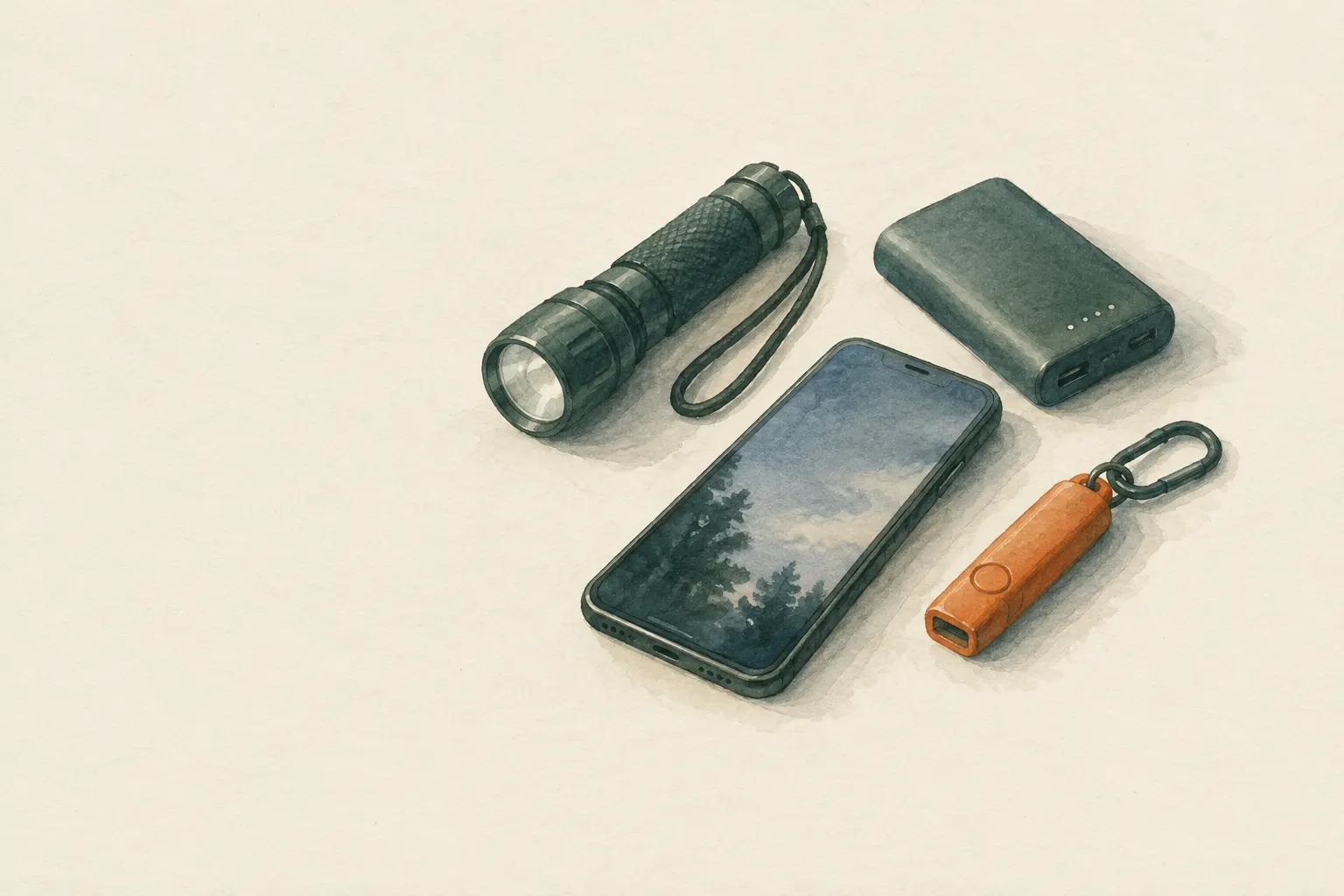
Explained simply
A smartphone is like a small toolbox for being found: it has a bright light, a glowing screen, a loud speaker and a smooth surface that can reflect sunlight. Many of these things even work when you have no signal at all.
But the battery is like a bottle of water in the desert: when it is empty, it is empty. You need it above all to call for help and to be called back by rescuers. So you use light and sounds only briefly and deliberately – for example when you hear or see helpers.
If you have signal, the emergency call always comes first: the local emergency number, 112 in the EU.
How it works
Rescuers search with their eyes and ears. A bright point of light stands out at night because everything around is dark. Flashing stands out even more than a steady light, because the eye reacts strongly to change. The best-known light signal is SOS: three short, three long, three short flashes, then a pause, and repeat.
Sounds carry where nothing can be seen, for example in dense forest or fog. A shrill alarm or ringtone is easier for nearby searchers to hear than an exhausted voice. A phone speaker's range is small, though; a whistle is louder and needs no power.
In sunshine a switched-off screen can act as a weak mirror. A real signal mirror is much better, but a flash of light from a phone is better than nothing. With signal, the most important function is added: many phones have an emergency function that dials the local emergency number after a button is pressed several times and can notify stored contacts.
What really matters
Get to know your own phone's emergency function at home, by reading the settings, not by trying it out. How is it triggered? Does it call automatically? Who is notified? While you are at it, fill in the medical ID and emergency contacts; many devices also show this information on the lock screen.
In an emergency: power-saving mode on, brightness down, unnecessary apps closed. When there is no signal, the phone keeps searching for one and uses a lot of power doing so. It is better to switch on airplane mode and check briefly for signal at fixed times – ideally at times someone knows about.
Answer calls from unknown numbers. If you are missing, the dispatch centre or mountain rescue may call you back, and you will not know their number.
Safety: what to watch out for
Never trigger the emergency function ‘just to test it’. It can place a real emergency call and tie up rescuers who are needed elsewhere. If you trigger an emergency call by accident, do not just hang up; stay on the line and explain that it was a mistake.
Cold and wet are the phone's enemies. In frost, a battery that was half full a moment ago can suddenly shut down. So carry the phone close to your body in an inner pocket and protect it from rain, for example in a freezer bag or dry bag.
Do not rely on the phone alone. A whistle, a headlamp and a signal mirror are more robust and independent of the battery. The phone is a good makeshift, but no replacement for these simple tools.
Typical situations
You have injured yourself in the forest and cannot walk on. With signal, you call the emergency number at once and stay reachable afterwards. Without signal, you save battery, and if at night you hear voices or see lamps, you give SOS with the torch in their direction.
With a very weak signal, a call sometimes fails while a text message still gets through. Some countries have emergency SMS services, often requiring prior registration – check this locally. A text with your location to a trusted person can help too.
You can hear searchers but your voice is hoarse. A loud ringtone or alarm can then guide them over the last few metres to you. Switch it off again afterwards to save power.
How to practise it
Practise the SOS signal with the torch at home in a dark room: three short, three long, three short. Many people find that a ‘long’ flash can be clearly longer than a short one so that the two are easy to tell apart.
Find out how to reach power-saving mode, airplane mode and the torch quickly, even with cold fingers or gloves. Try out how to set a loud alarm without having to search for it.
Go through your emergency contacts and medical ID once and ask yourself: would a stranger helping you know whom to call? Keep the details up to date.
Step by step
Learn the emergency function
At home, read in the settings how the emergency function is triggered, whether it calls automatically and which contacts are notified. Fill in the medical ID/emergency contacts.
- 1
Learn the emergency function
At home, read in the settings how the emergency function is triggered, whether it calls automatically and which contacts are notified. Fill in the medical ID/emergency contacts.
- 2
Save battery
Turn on power saving, lower brightness, close unnecessary apps. Do not let it hunt for signal constantly when there is none – check at agreed times.
- 3
Use the light deliberately
At night give SOS with the torch function (··· ––– ···) when you hear or see rescuers.
- 4
Use sound
A loud alarm or ringtone can guide searchers at short range if you cannot shout.
- 5
Screen as a mirror
In sunshine the switched-off screen can reflect light – weaker than a real signal mirror, but better than nothing.
Common mistakes
- Draining the battery with constant light
- Triggering the emergency function to test it
- Carrying the device exposed in the cold
- Rejecting unknown numbers – it could be the rescuers
Quick view
Materials
Mobile phone
The battery drains quickly in cold and with continuous screen and GPS use.
Do not plan on it as your only means of navigation or emergency calls.
Power bank
Do not use damaged or swollen batteries; do not charge while covered.
Suitable for
- When no lamp or whistle is available
- Short, targeted signals when rescuers approach
- Emergency calls by button shortcut
Not suitable for
- Hours of continuous signalling (battery)
- Severe cold without keeping the device warm
Prerequisites
- A charged battery
- Knowing your own phone's emergency function
Safety
- The battery is the most important resource in an emergency: it is needed for calls, location and callbacks from rescuers. Use the phone for signalling sparingly and deliberately.
- Do not trigger the button-shortcut emergency function 'to test it' – it can place a real emergency call. Read the description in the settings instead.
How it works
The phone combines several signalling tools: a bright LED, a glowing screen, a speaker and a smooth surface. Without signal these functions remain usable. Many devices have an emergency function that, after pressing a button several times, dials the local emergency number and notifies contacts; details differ by device and country.
Advantages
- Almost always carried
- Several types of signal in one device
- Combined with emergency calls and location
Disadvantages
- Limited battery
- Sensitive to cold and wet
- Light weaker than good lamps
Deep knowledge
Background
Emergency guides recommend keeping your phone charged, carrying a power bank and storing emergency contacts. Modern smartphones increasingly offer emergency features such as automatic calls after button combinations or crash detection.
As a signalling device the phone is a makeshift; whistle, lamp and mirror are more robust and independent of the battery.
Variants
- Text instead of a call
- With a very weak signal a text message sometimes gets through when a call fails. Some countries have emergency SMS services, often requiring prior registration – check locally.
Common mistakes
- Draining the battery with constant light
- Triggering the emergency function to test it
- Carrying the device exposed in the cold
- Rejecting unknown numbers – it could be the rescuers
Limits and risks
- No device-specific instructions
- Functions and availability differ by device and country
Material alternatives
Derived from material properties: a substitute must have all relevant properties. Observe the notes on the substitute.
- Mobile phone
- Headlamp / flashlight, Battery lantern / LED light
Results come exclusively from structured entries. No improvised instructions are generated.
Sources
European Commission: 112 – the European emergency number
Europe-wide emergency number 112
Ready.gov – U.S. Federal Emergency Management Agency (FEMA): Make A Plan
Communication plan, emergency contacts and charged phones
Headquarters, Department of the Army (USA) (2002): FM 3-05.70 Survival
Light signals and improvised reflectors